


I had some extra time on my hands today while I was avoiding digging up the grass on the side of the house (spent all Friday night doing that  ) so I started messing around with a front bumper setup. Nothing set in stone just a way to get some ideas down on paper.
For those of you that have worked with Solidworks how have you done bent tube? The best way I've found so far is to do a 3D sketch of the line I want then draw a circle on a set plane at the end of the line then insert a swept surface using the circle as the base and the line/contour as the guide to make the extrusion.
So any ideas here would really help.
I'll try to add some tube tomorrow if I finish my actual homework first.
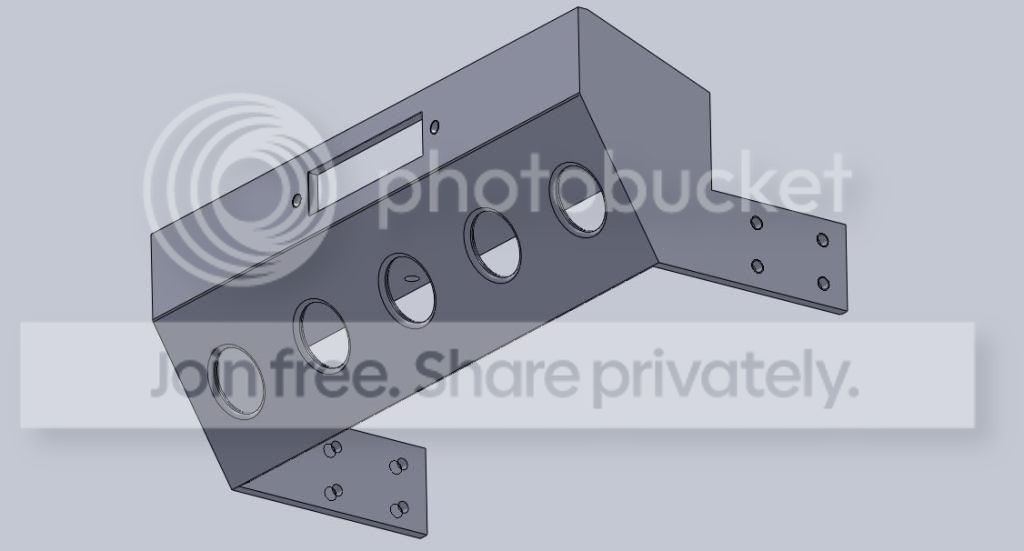
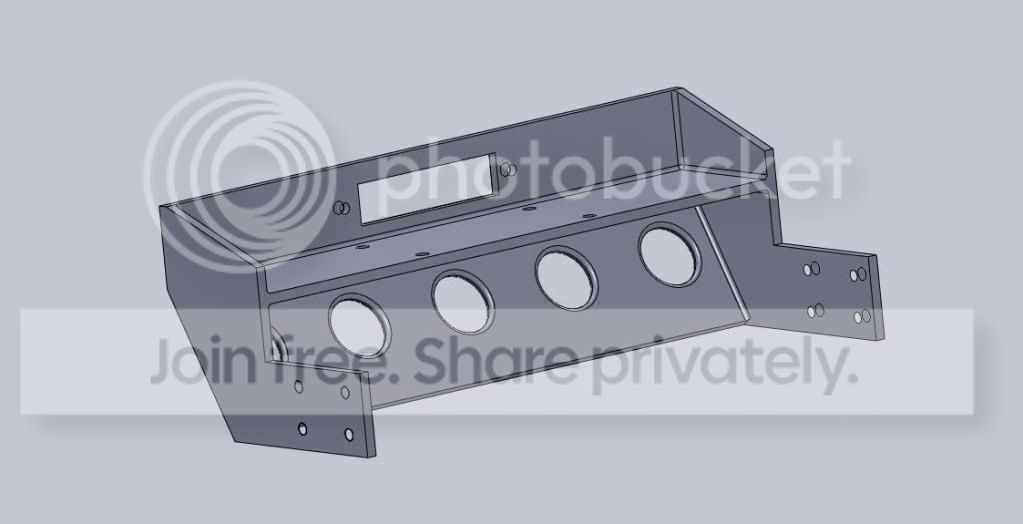
) so I started messing around with a front bumper setup. Nothing set in stone just a way to get some ideas down on paper.For those of you that have worked with Solidworks how have you done bent tube? The best way I've found so far is to do a 3D sketch of the line I want then draw a circle on a set plane at the end of the line then insert a swept surface using the circle as the base and the line/contour as the guide to make the extrusion.
So any ideas here would really help.
I'll try to add some tube tomorrow if I finish my actual homework first.


