

how do i do a screen capture?
Press Alt and print screen at the same time then go into paint and paste it then save it somewhere on your computer.

how do i do a screen capture?


Press the Print Screen button (which copies the current screen to the clipboard), then open paint and paste the copied image. Then save as a jpg and you are good to go.
(oops, should have refreshed before I replied)
Alt-Print Screen just captures the contents of your browser though, while just Print Screen captures your entire display.


sheesh, no comments on the Dungeon Keeper 2 icon??!!?
How come it does not take up your full screen?sheesh, no comments on the Dungeon Keeper 2 icon??!!?

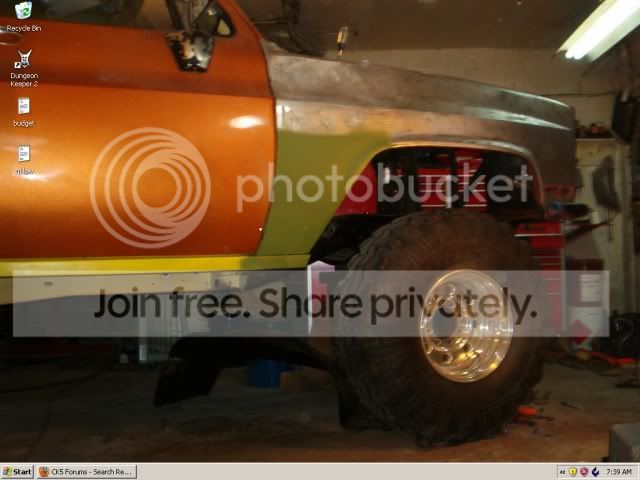


 the truck will have 20...
 wire spools, etc in that order too... and also in jpg format for the brotherhood....


