CK5
Register an account today to become a member! Once signed in, you'll be able to participate on this site by adding your own topics and posts, as well as connect with other members.

My TBI computer chip programing thread/adventure.

Im thinking so far that im going to stick with the 7747. I believe that i can make it work out for me and it seems to have a bigger following. I think that would be the right thing to do? I remember reading somewhere that you could make the 7747 work to downshift the th400 but i dont remember where. Talked about inverting the signal and all kinds of other stuff. I think i will just downshift manually...
YES!!! :doah:
Not only is a 7747 bigger following, your other option has no following.... or go better to 427. But that means you need to repin everywire from 7747 plugs to 427 plugs. And what else Dave?

I think dave answered the turbo 400 and it came in your truck from factory.

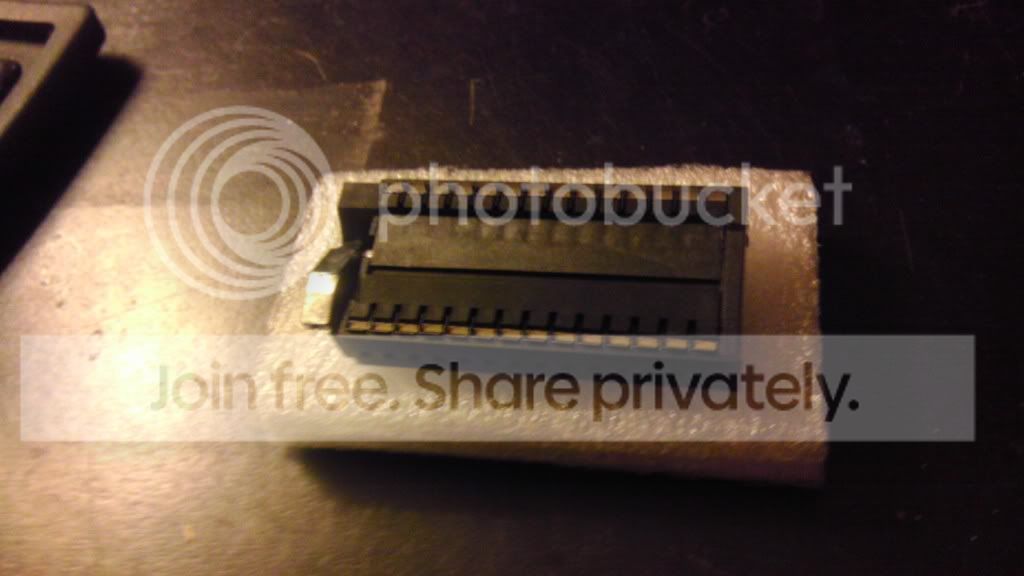
So im pretty sure that the S4 Aries 28 pin zif socket from moates is the same as the mouser unit.

http://www.mouser.com/Search/ProductDetail.aspx?R=28-526-10virtualkey53500000virtualkey535-28-526-10

http://www.moates.net/s4-aries-28pin-lowprofile-zif-p-46.html?cPath=26

I think the only difference is one is blue and one is black and one is $3 cheaper.
Support Moates with a few bucks. Without them and their developments and future developments we are screwed!
 
I think the 8747 has some advantages over the 7747. The VE table (only one) and Spark table are better suited for a performance engine.:doah: The higher RPM's in both the fuel and spark table are better suited for a performance engine!:D

dave w

8747 VE and Spark Tables.jpg
 
Support Moates with a few bucks. Without them and their developments and future developments we are screwed!

Moates has the lower price on the ZIF.:waytogo: I tend to purchase most of my EFI wiring harness parts from Mouser, so I add a couple ZIF sockets, usually at no additional shipping cost, when I place an order for EFI wiring harness parts with Mouser. It's not easy to get good prices on EFI wiring harness parts from an Auto Parts Store, yet Mouser is willing to sell quantity of just one item, even if the item is less than $1.00.:waytogo:

dave w
 
Oh for sure on supporting moates! Thats a kick ass company! If i would have noticed they carried that socket, i would have gotten it and saved myself a few bucks in shipping but i also wouldnt have gotten it as fast. My mouser purchase showed up yesterday and i think i will get my moates purchase on thursday. No big deal tho. Im certainly starting to get nervous! I mean, the next thing i have to do is is solder the crap out of my ECM and hope that i did that right, then i need try and program a chip for it and hope i did that right, and then, i need to put it all in the truck and hope that the thing even runs! My finger nails are getting bitten to the bone!
 
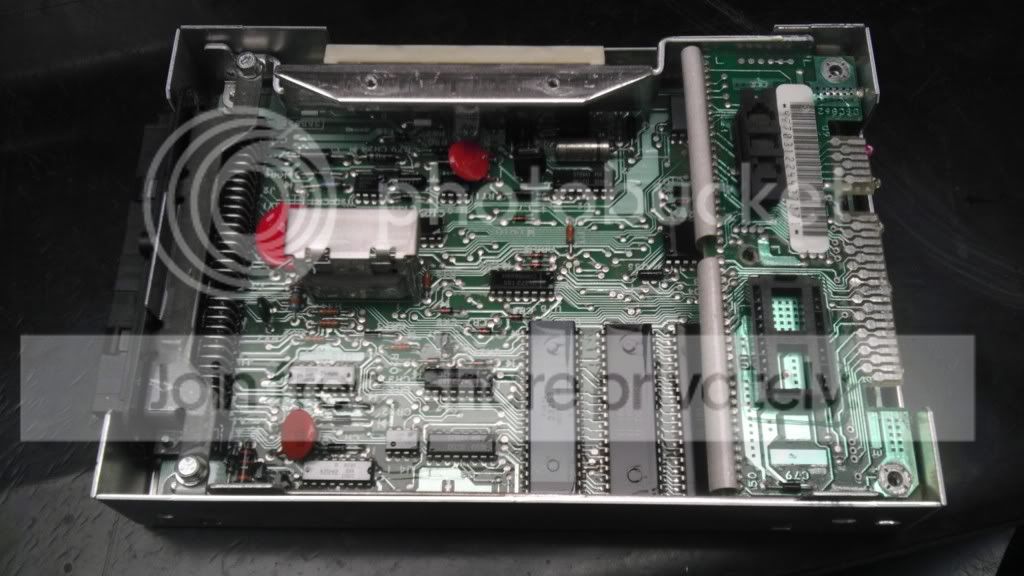
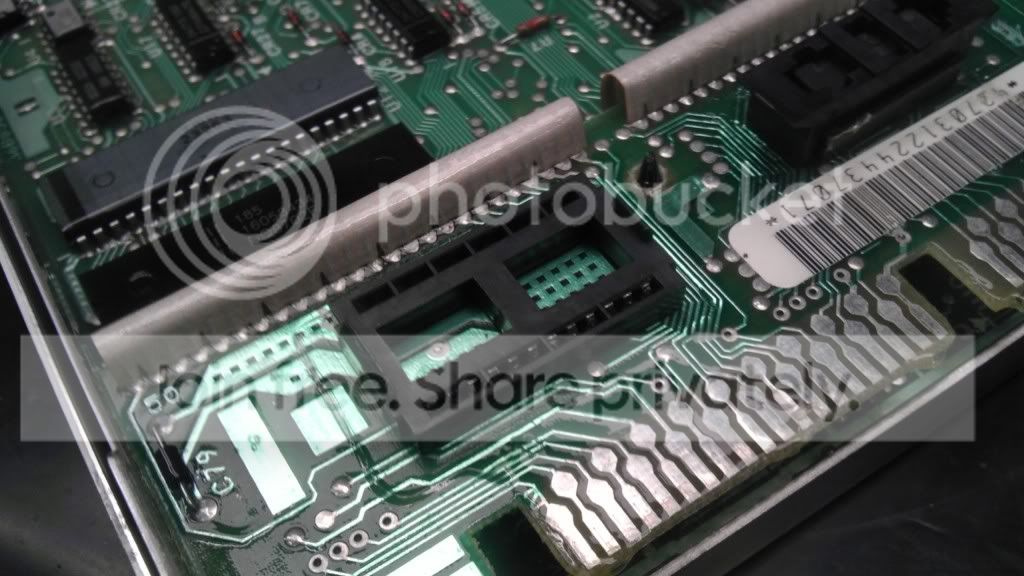
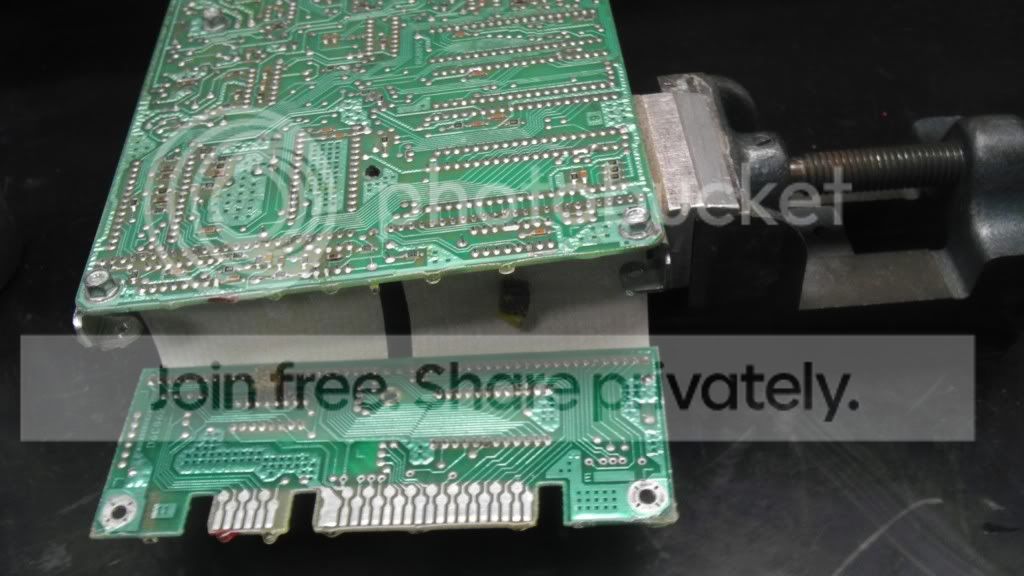
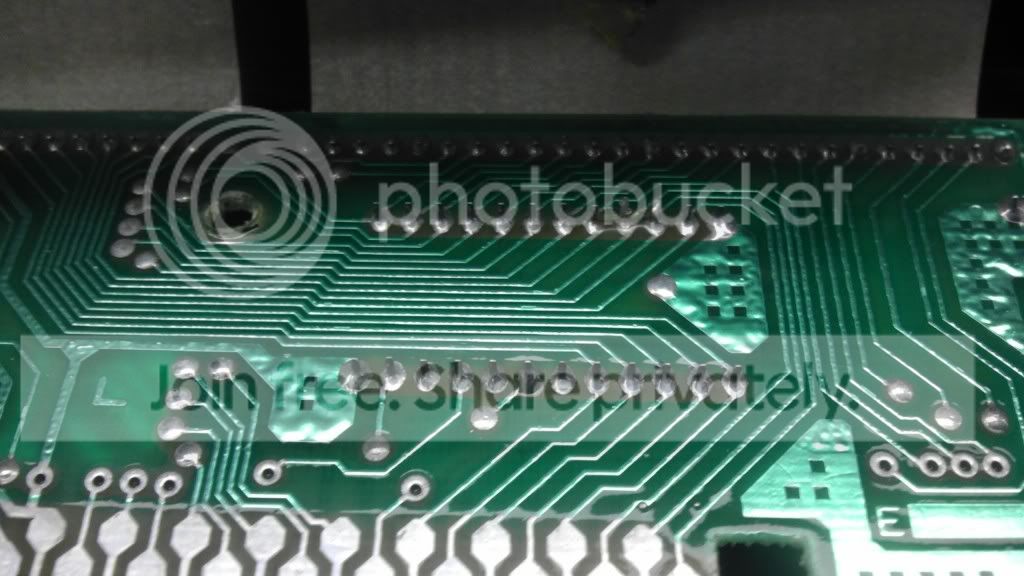
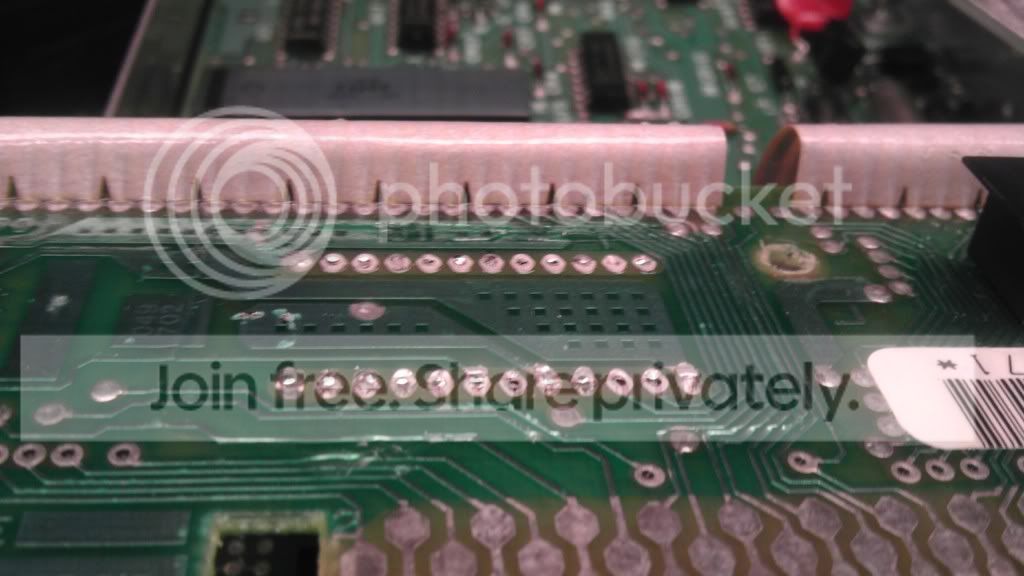
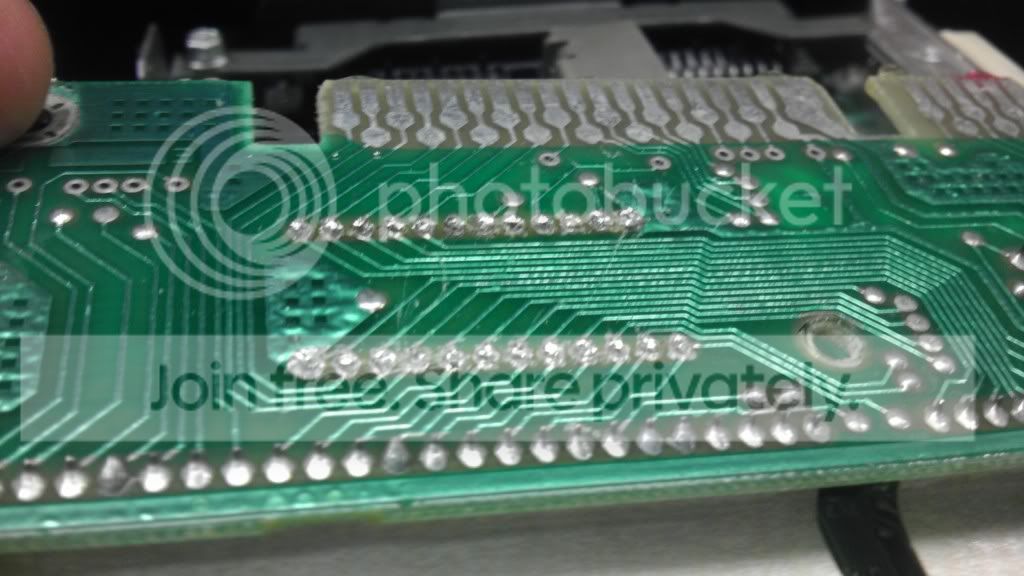
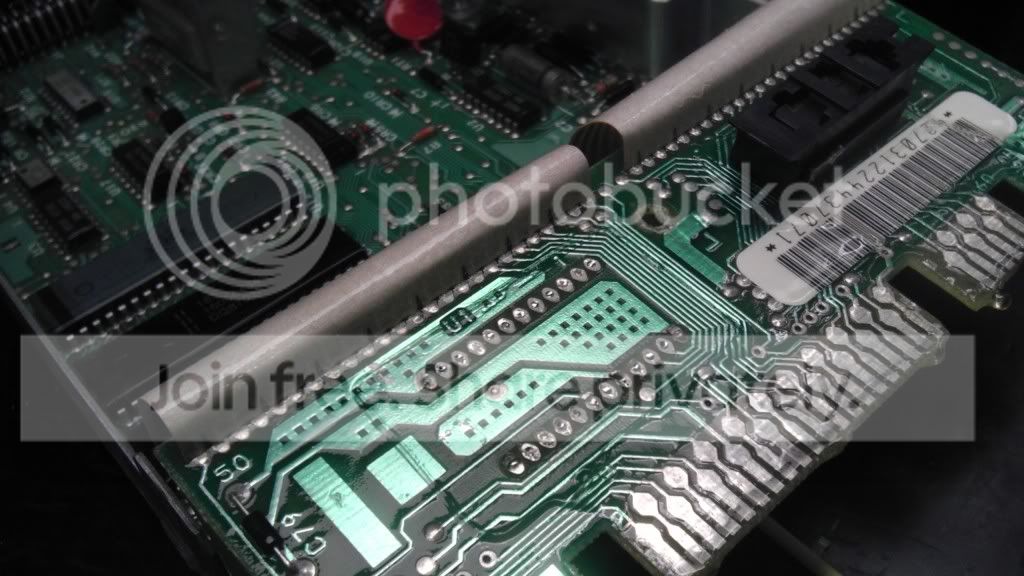
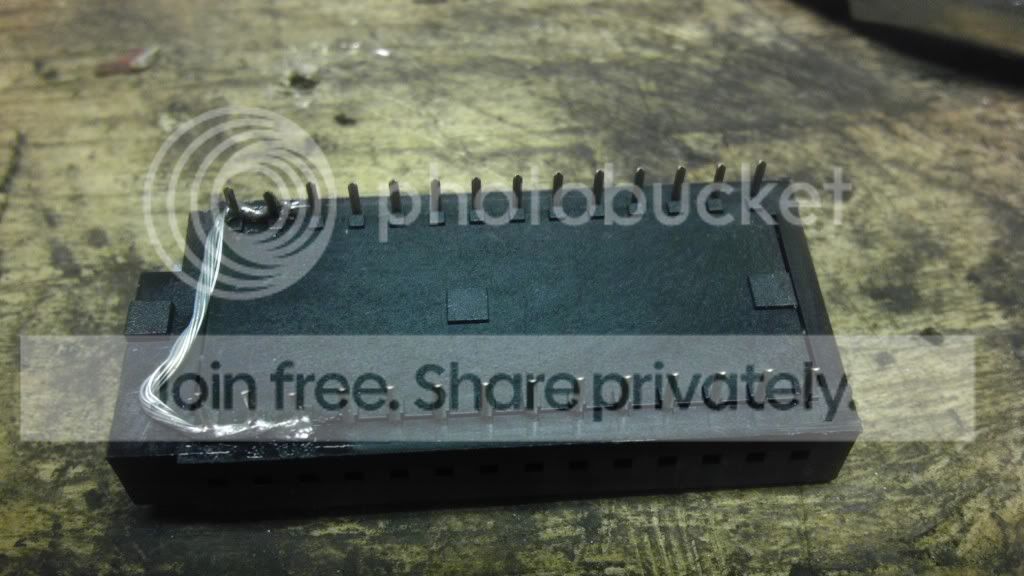
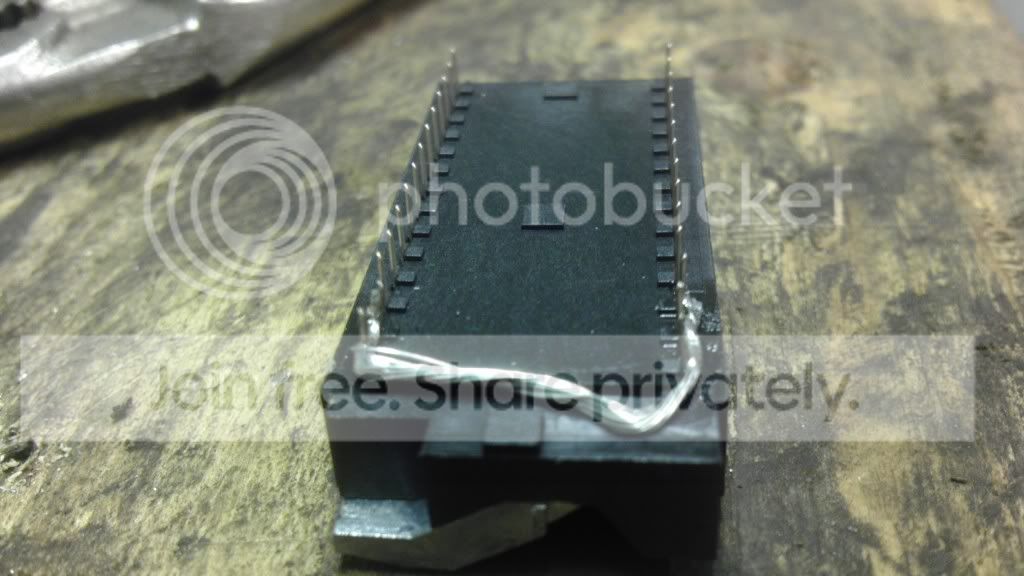
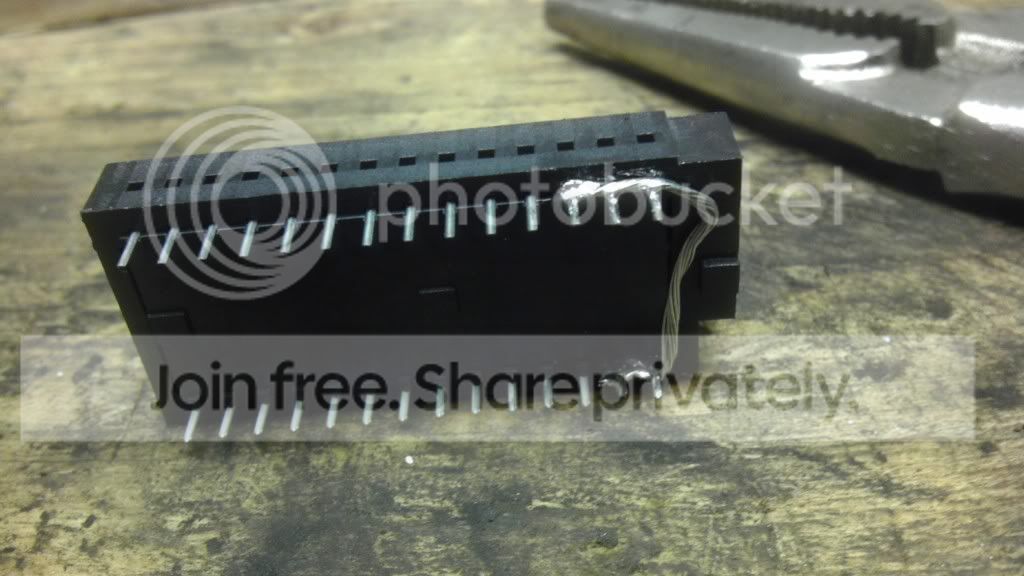
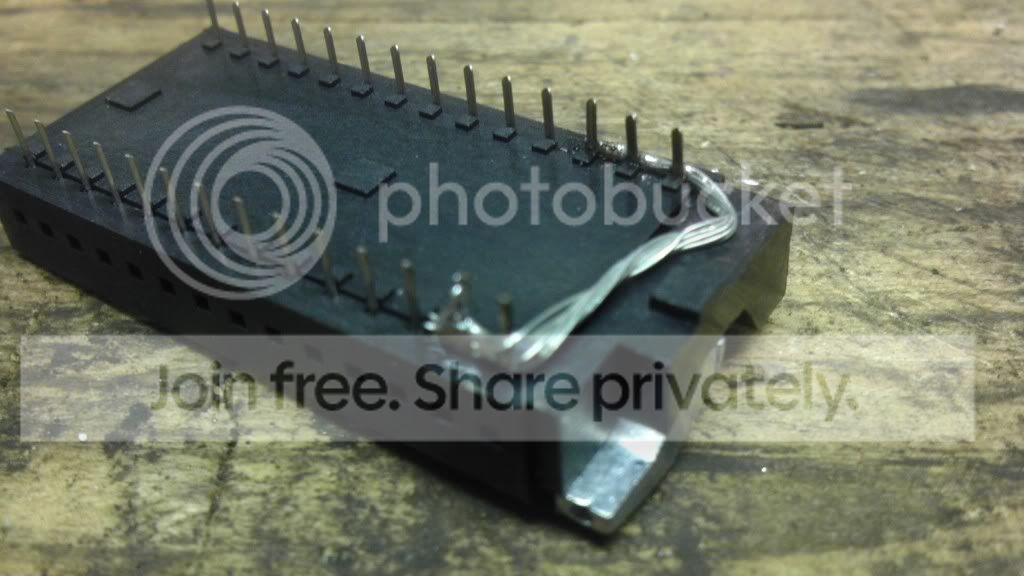
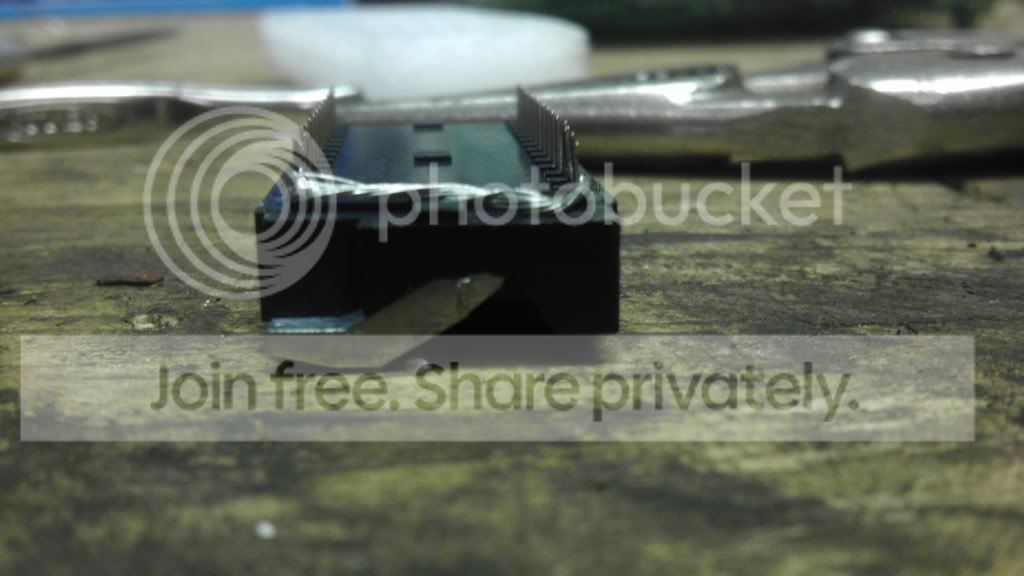
Got the original chip holder out tonight. Hope to have the new one in tomorrow.

IMAG0127.jpg


IMAG0128.jpg


IMAG0129.jpg


IMAG0130.jpg


IMAG0131.jpg


IMAG0132.jpg


IMAG0134.jpg


IMAG0135.jpg
 
Now the easy parts:confused:
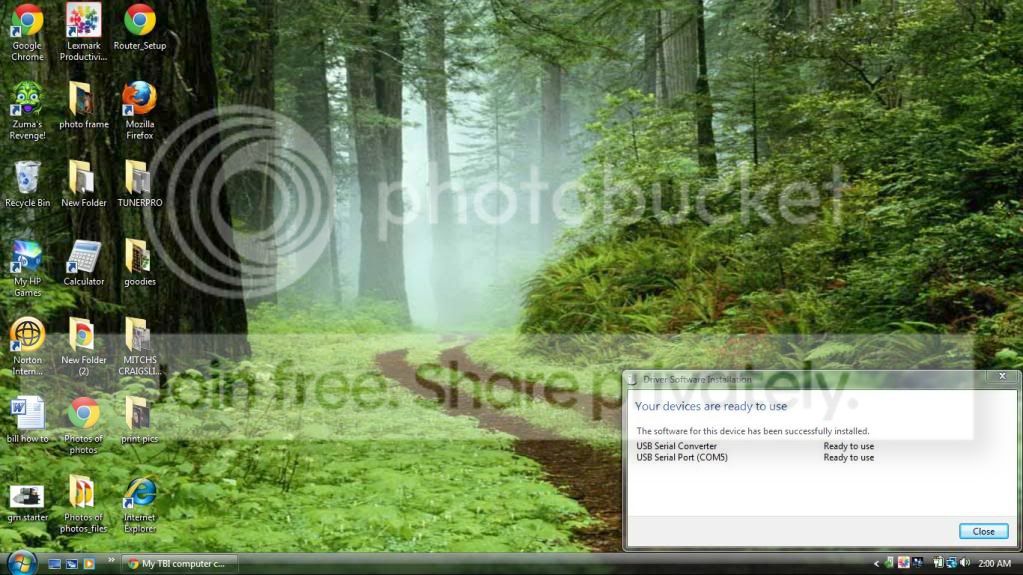
1. Configure the USB Driver for the Burn 2.
2. Then you need to figure out the chip burning offsets.
That's it.:popcorn:

dave w
 
About the offsets and the burn process, im going to be following moates instructions.

Found here,

http://www.moates.net/documentation.php?documentation_id=75

If the chip you are programming is of a larger capacity than the binary file you are putting on it, you typically need to use an offset with respect to chip addressing. This option is shown in the TunerPro RT program under 'Moates Prom I/O'. To program a chip, proceed as follows:

  1. Ensure that all programs on the PC are closed, and then connect the AutoProm or Flash & Burn unit. If using a serial version of the AutoProm, connect its power supply. Make sure, if using an AutoProm, that it is disconnected from the car's ECM.
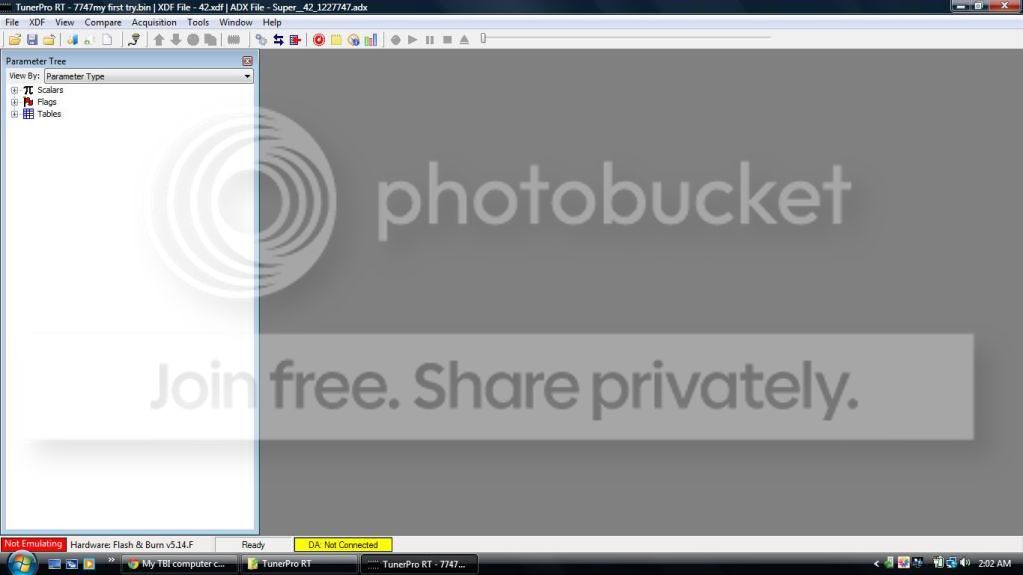
  2. Once the unit is connected, start up the TunerPro RT program. You should see at the bottom of the window a message like "Connected: AutoProm 2.5.A" or something similar. If this is not shown, and you instead see "Hardware Not Found", then one of the following needs to be checked
    1. Driver installation. If using a USB product, the proper driver needs to be installed and configured correctly. Check website for detailed instructions in this regard
    2. Switch position. If using an AutoProm, there is a switch on the back (black horizontal) of the unit which needs to be placed in the 'toward the middle of the unit' position. If it is in the 'toward the outside' position, then the chip burning and emulation functions will not work.
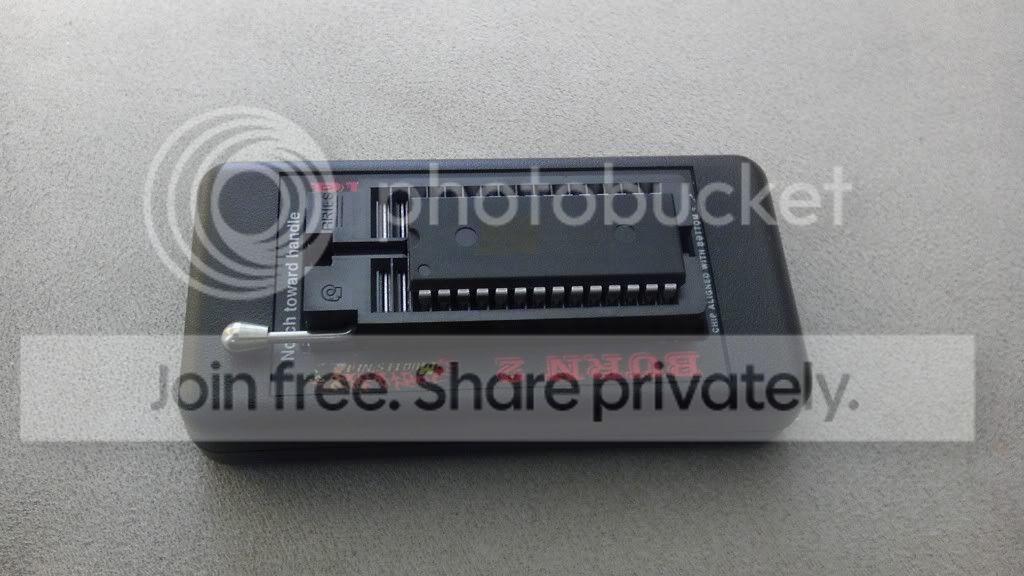
  3. Assuming that (2) is achieved successfully, you are now ready to put a chip in the unit. Place the chip such that the chip notch or arrow is oriented in the same direction as the ZIF socket handle, which should be toward the cable connections. Also, make sure that the chip is positioned away from the ZIF handle, so that the empty holes in the socket are present at the handle end. The orientation and positioning of the chip in the socket is CRITICAL, so make sure that this is correct. See pictures on website for clarity.
  4. Under the 'Tools' menu item, select the 'Moates Prom I/O' option, and you will get a submenu. In here, you should do the following in the correct order:
    1. Select the type of chip you'll be programming from the drop-down menu. This will likely be either the AT29C256 or the 27SF512.
    2. Pick the 'Load file to buffer' option, and navigate to find the file you want programmed on the chip. Select it, and it will be loaded to memory on the PC.
    3. Take note of the file size indicated in the message window. It will likely be one of four sizes: 4k, 16k, 32k, or 64k (kbytes).
    4. Take a look at the top right part of the window, and you'll see the offset values. This is what we'll do next.
  5. The file size, along with the chip size, will determine what offsets you need to use. When you change the offset values, you will notice that other values will change automatically. Just make sure that the correct values are filled in for all four boxes before programming the chip. The following table summarizes what offsets you need to use depending on chip used and file size:

    File Size
    Chip
    Buffer Start -> End
    Chip Start -> End
    4k (4096)
    AT29C256
    000000 -> 000FFF
    007000 -> 007FFF
    16k (16384)
    AT29C256
    000000 -> 003FFF
    004000 -> 007FFF
    32k (32768)
    AT29C256
    000000 -> 007FFF
    000000 -> 007FFF
    4k (4096)
    27SF512
    000000 -> 000FFF
    00F000 -> 00FFFF
    16k (16384)
    27SF512
    000000 -> 003FFF
    00C000 -> 00FFFF
    32k (32768)
    27SF512
    000000 -> 007FFF
    008000 -> 00FFFF
    56k (57344)
    27SF512
    000000 -> 00DFFF
    002000 -> 00FFFF
    64k (65536)
    27SF512
    000000 -> 00FFFF
    000000 -> 00FFFF


    As you can see, the buffer (or file content) will be placed at the 'end' of the chip.
  6. Once you have selected the proper chip, the proper file to use for the program content, and the proper offsets, you are ready to program the chip. If using a 27SF512 chip, you must 'Erase Chip' first. This is not needed with the AT29C256. Go ahead and select the 'Program Chip' option. Follow this action with a 'Verify' command to make sure everything programmed correctly. You should get a 'Success' notice.
 

LOL i'll take that as a yes? :haha:

Anyhow, like i said, im hoping to have the new chip holder in tonight. Then, i'll mess around with the chip burning process on Friday. I'll keep you guys up dated along the way, and ask MANY questions along the way also so be ready for that!:whistle:
 
See I told you there would be a lot of time involved and your doing your reading.

Once you adapt to the 27fs512 chip, when you click on, Tools then Moates Prom IO in TunerPro the offsets are set for you. So don't get to worried about that. Well documented on Moates site useing offsets.

I got so used to doing the new flash chips just last week I could not read a stock chip and had a thread going about it...
 
I'm doing my best to educate myself and not just sit here helplessly and ask for handouts of information. I know that I will have unique questions that no amount of research will answer so I'm trying to save my helplessness for those times!
 
Out in the garage doing soldering right now listening to some JJ Grey & MOFROS! Feels real good.

For some reason, these two are my favorite, despite the large contrast in tone.


Last edited by a moderator:
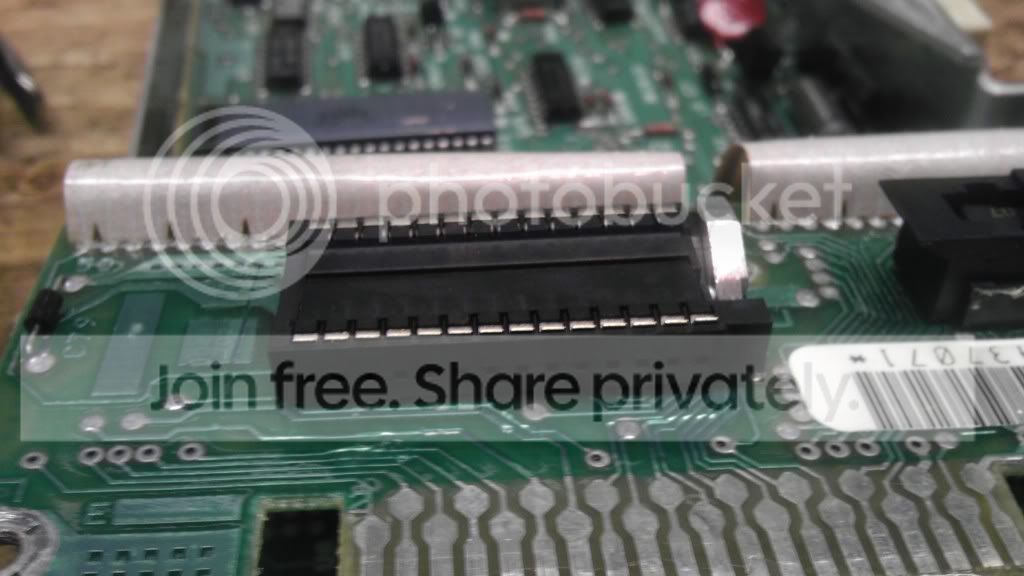
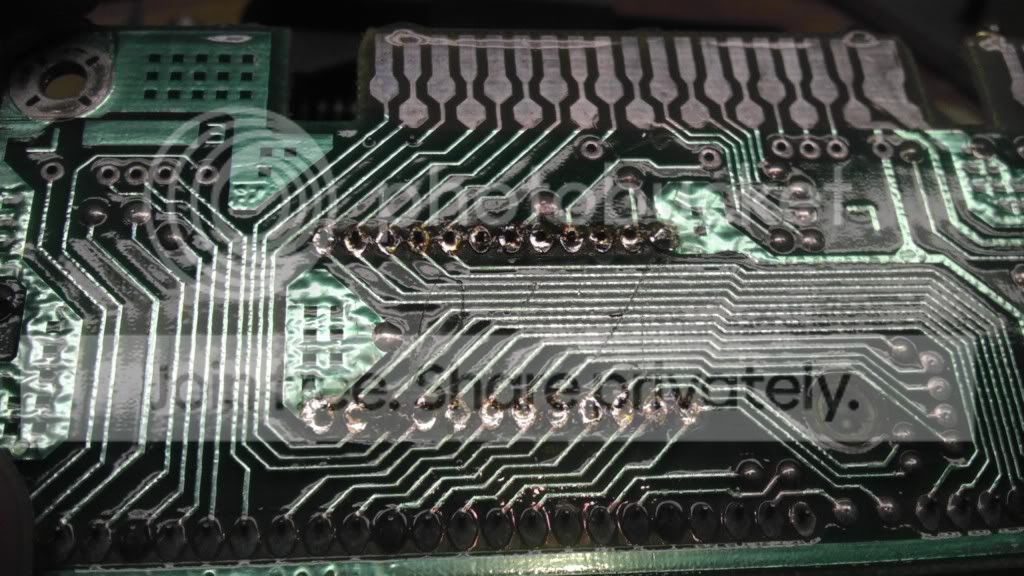
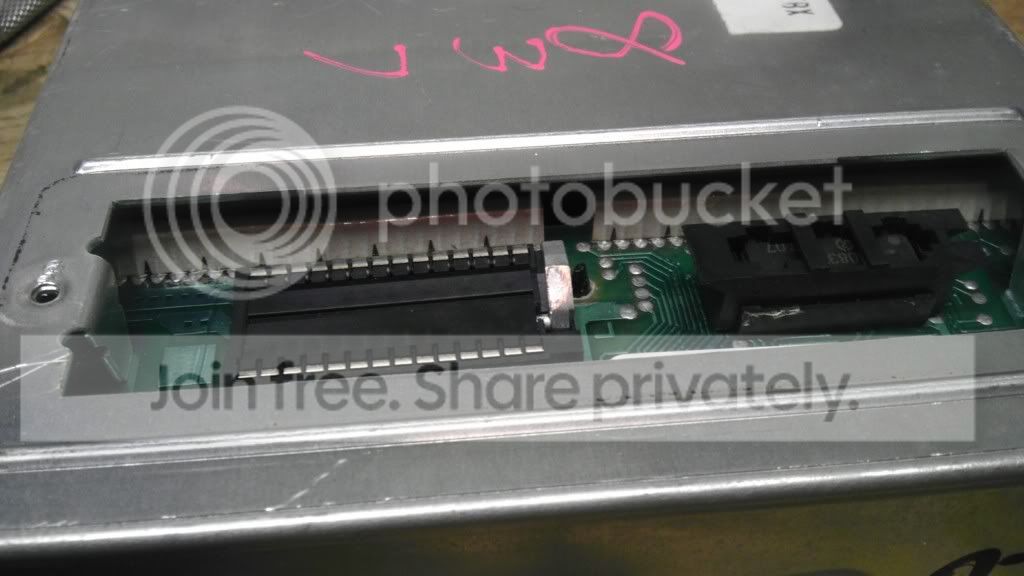
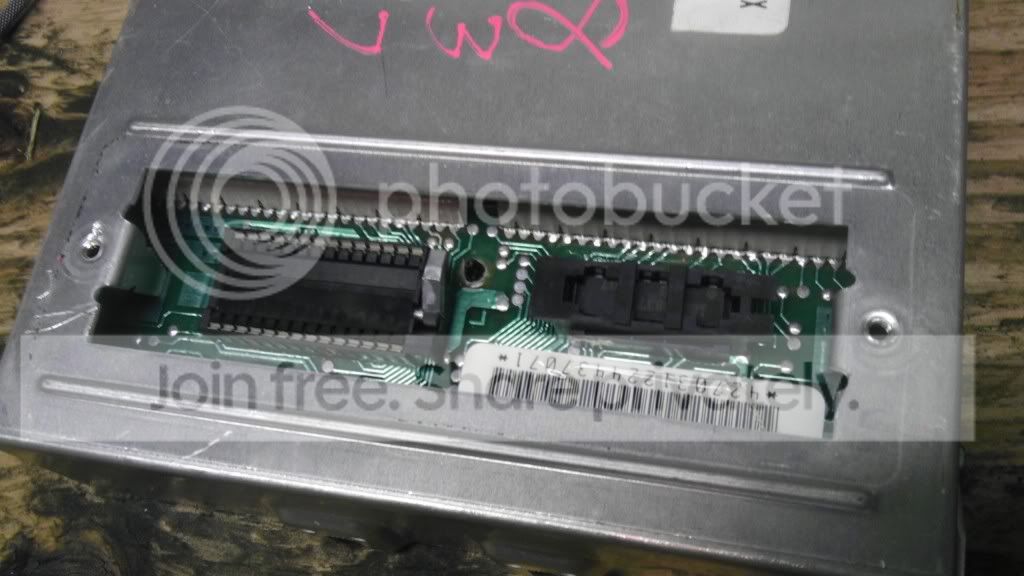
Ok, i got the zif socket soldered in. I THINK i did a good job, or at least good enough... Time will tell. Going to mess with the Burn2 for a little bit and then its sleepy time.
 
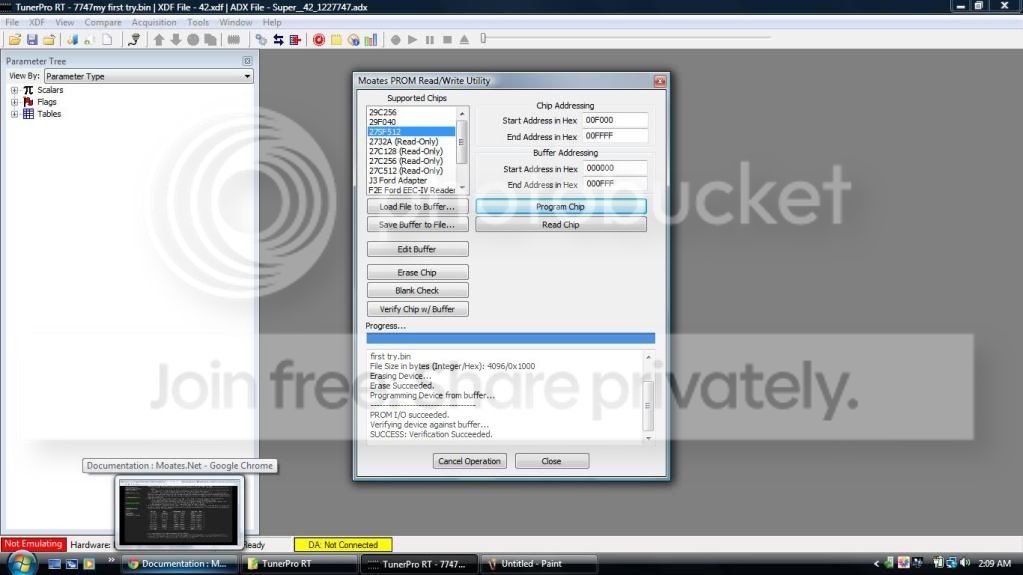
Well then, I seem to have successfully burnt a chip! The burn2 loaded up the program in the chip without a single issue. Followed the steps outlined above to the t andeverything went fine. Stuck it in the truck and although its too late to start it, i plugged the laptop in with win aldl and it was streaming data just like normal! Also, the check engine light functioned like normal. It was one quick flash then on permanently. So, at that, tomorrow begins the next phase of the project. TUNNING!!! Im hoping that the tune i gave it will be a good starting point. but again, we shall see... Thank you everyone for your help so far! Thanks to all you, this has gone swimmingly thus far!
 
And some pics, I get less pic happy toward the end cause i was gettin excited! Nut none the less here ya go, few screen shots too. Also, the solder job does look bad, ass does my wire connecting the 5 legs. And it is bad... But in reality, they do look significantly better in person and i think that it will all be fine.

IMAG0137.jpg


IMAG0138.jpg


IMAG0139.jpg


IMAG0140.jpg


IMAG0141.jpg


IMAG0142.jpg


IMAG0143.jpg


IMAG0144.jpg


IMAG0145.jpg


com5driversuccessscreenshot.jpg


hardwareconnected.jpg


firstchipburnsuccess.jpg


Thats it for now! I will be back with reports tomorrow!
 
Top Bottom